MobiMic User Guide
MobiMic User Guide
Section titled “MobiMic User Guide”MobiMic connects an Android or iPhone microphone—and an Android camera—to a computer for meetings, streaming, recording, and calls. Check supported platforms and system requirements and the current downloads on the MobiMic website, then follow the guides below.
Use the language selector in the upper-right corner to switch to Simplified Chinese. For help or feature requests, contact us.
These are screenshots of the actual Android app. Select an image to view it at full size.
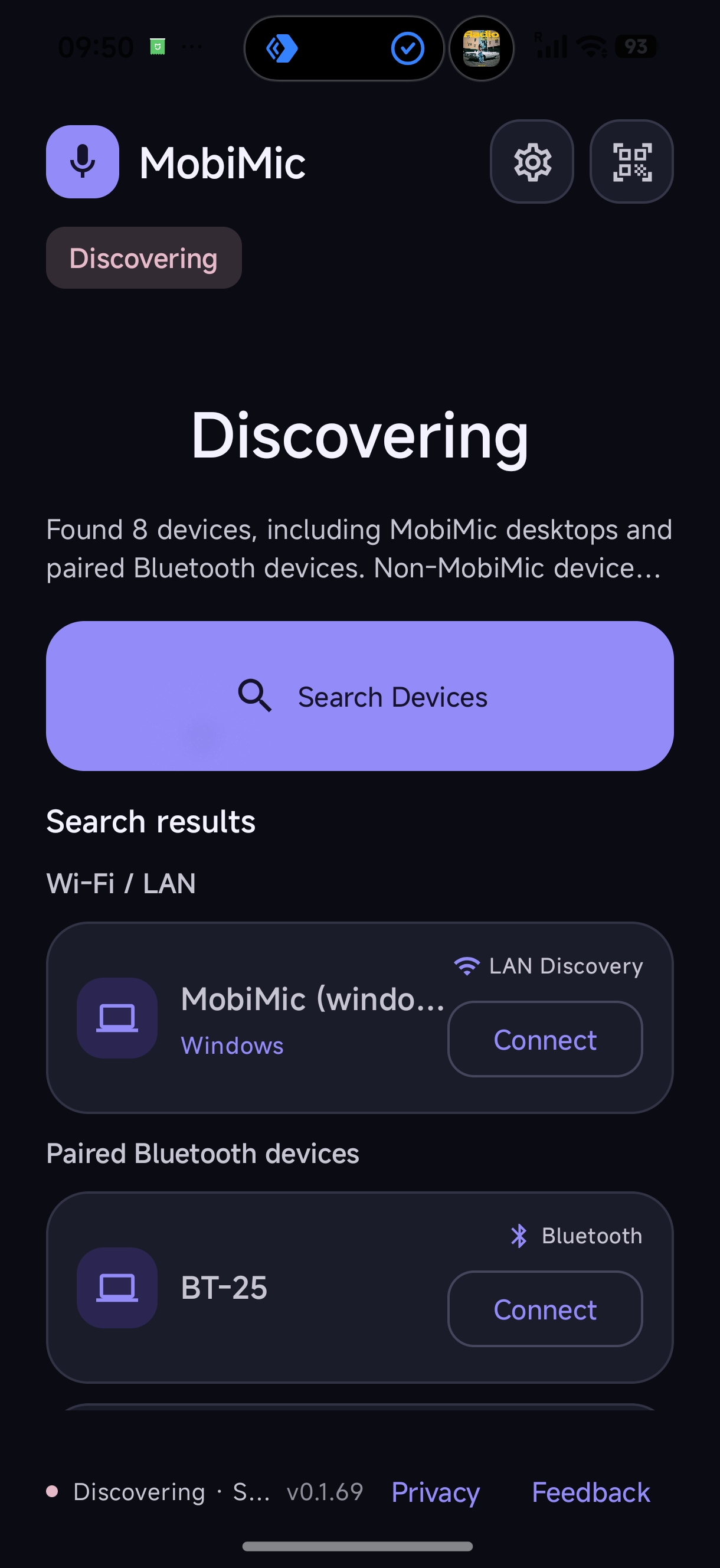
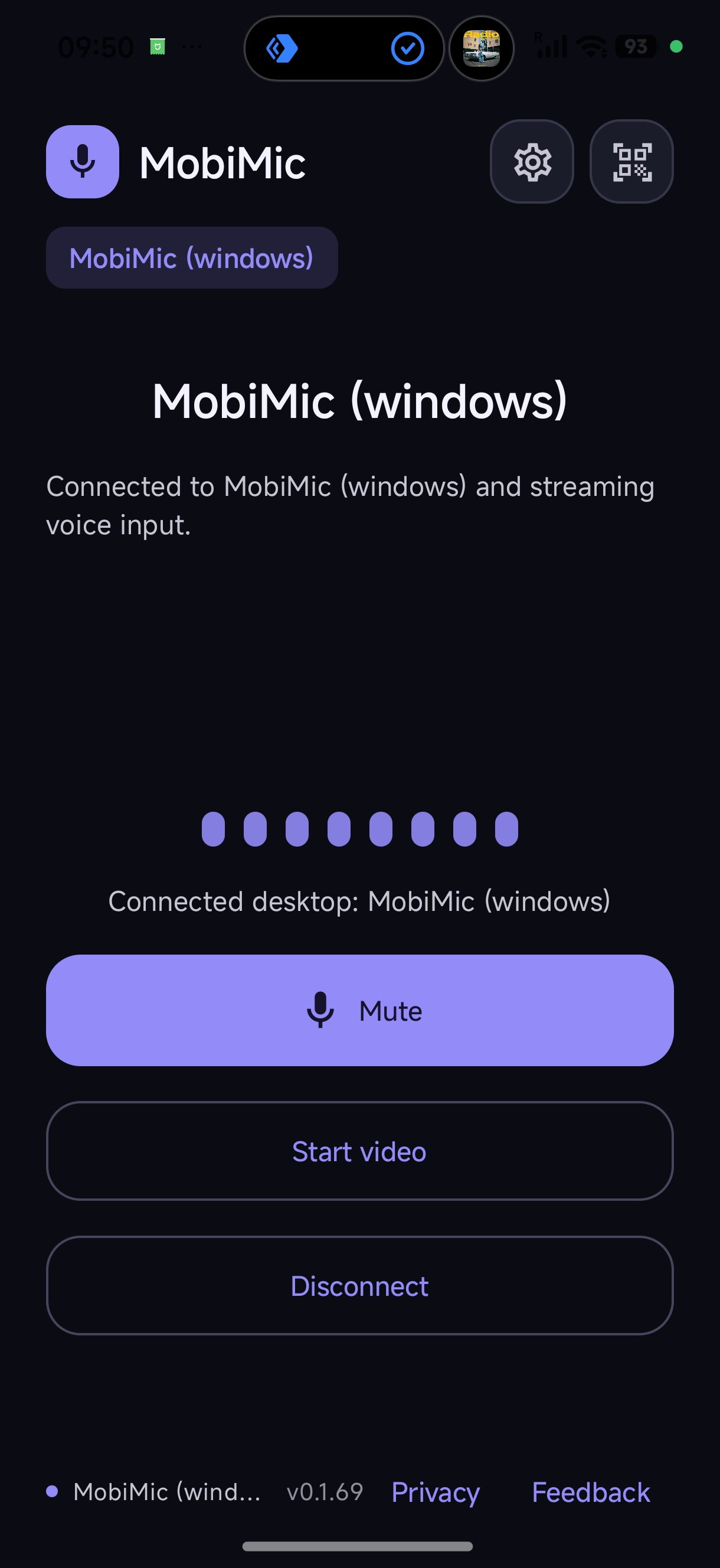
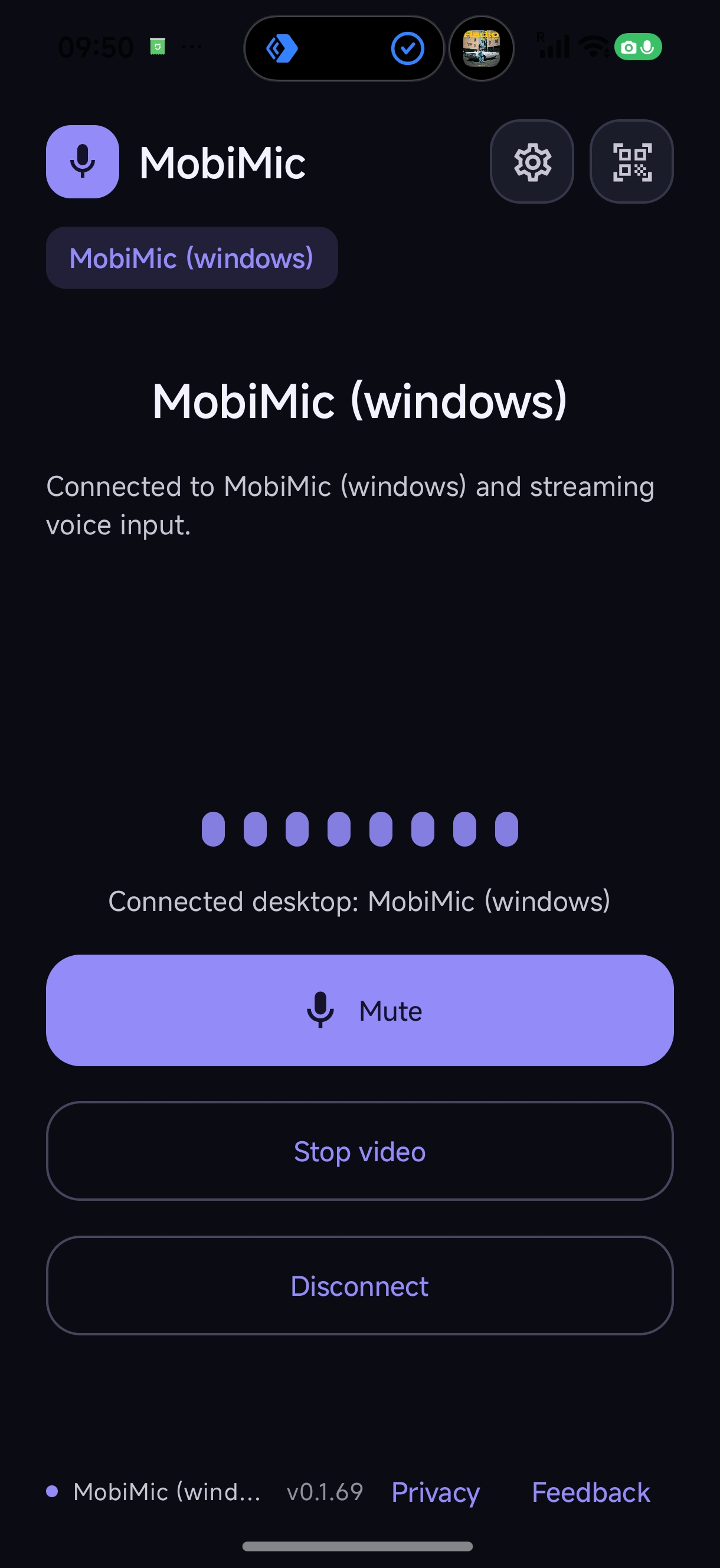
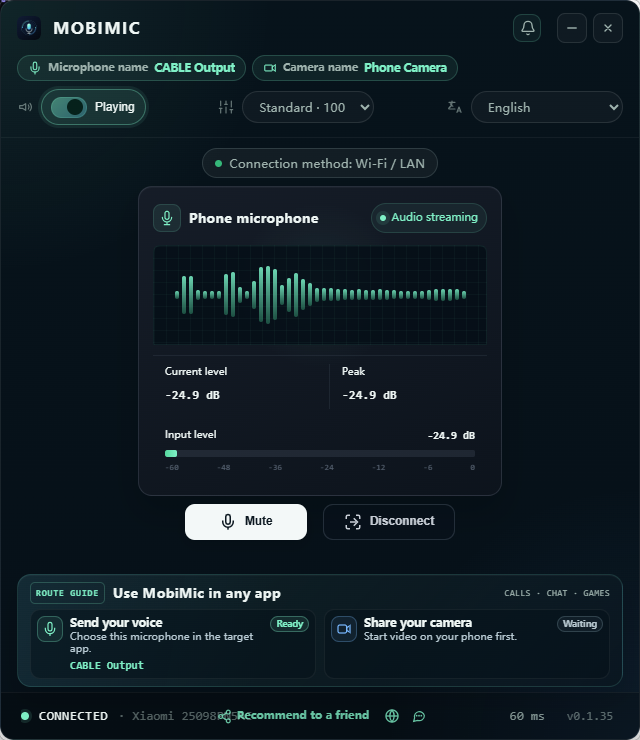
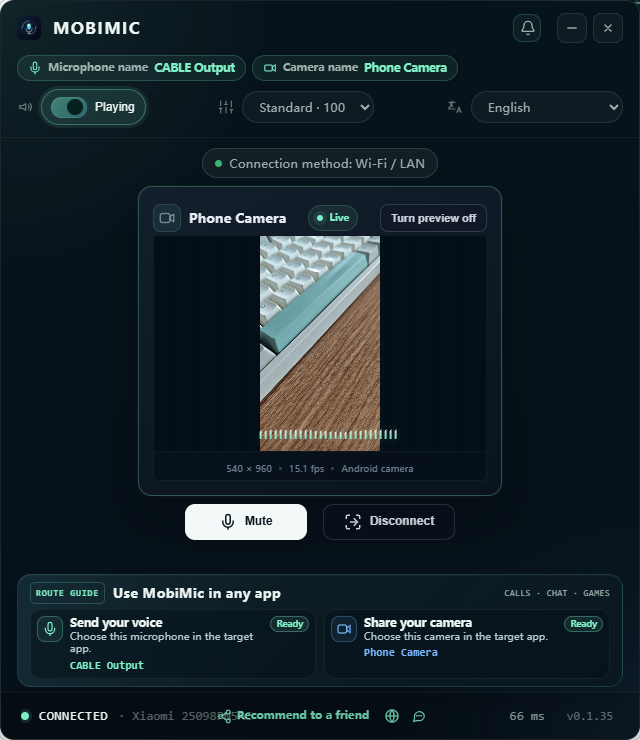
These are screenshots of the Windows desktop app in use.
Get Started
Section titled “Get Started”- Download and install
- Connect for the first time
- Wi-Fi / LAN: discovery, QR code, and pairing code
- USB network connection
- Bluetooth connection
Everyday Use
Section titled “Everyday Use”Need Help?
Section titled “Need Help?”Bluetooth video is affected by available bandwidth and may not work reliably on every device. Check the system requirements before connecting.